Skip to content

Model images created instantly

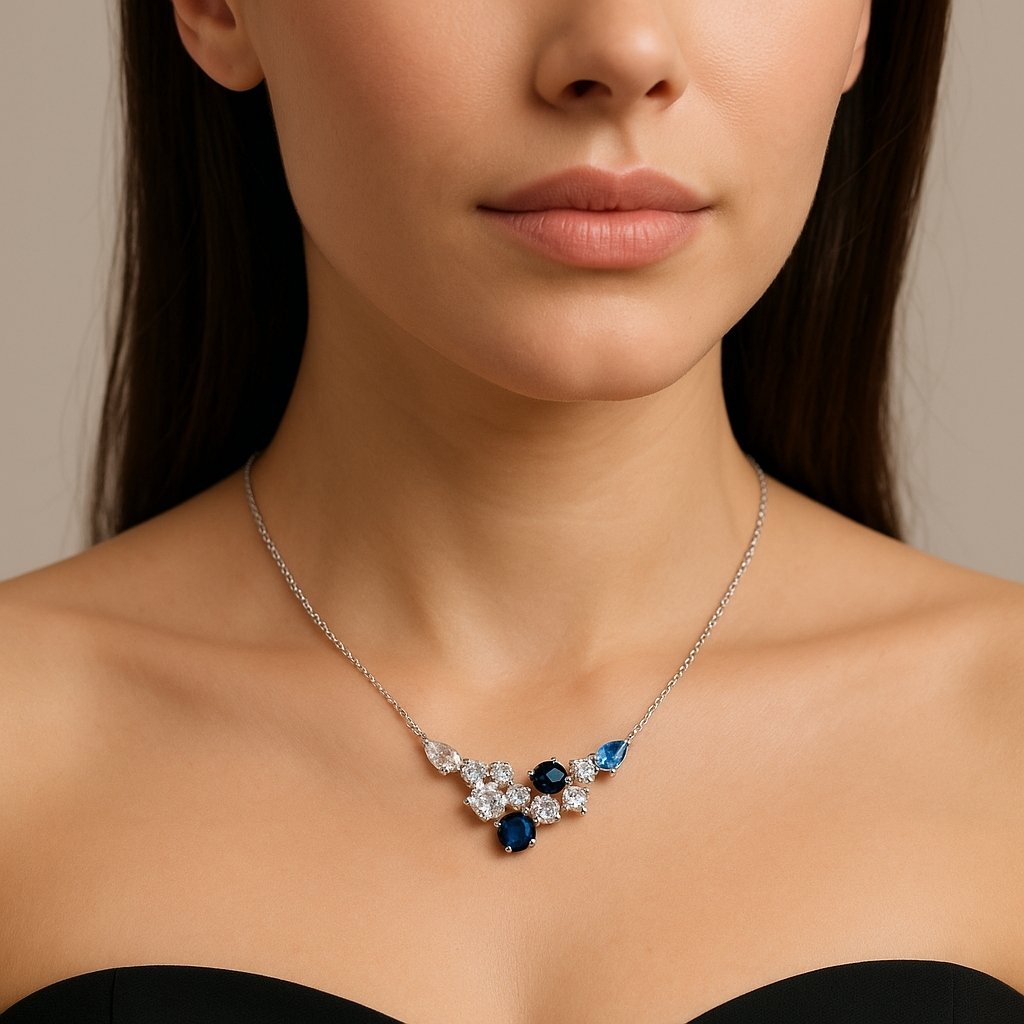
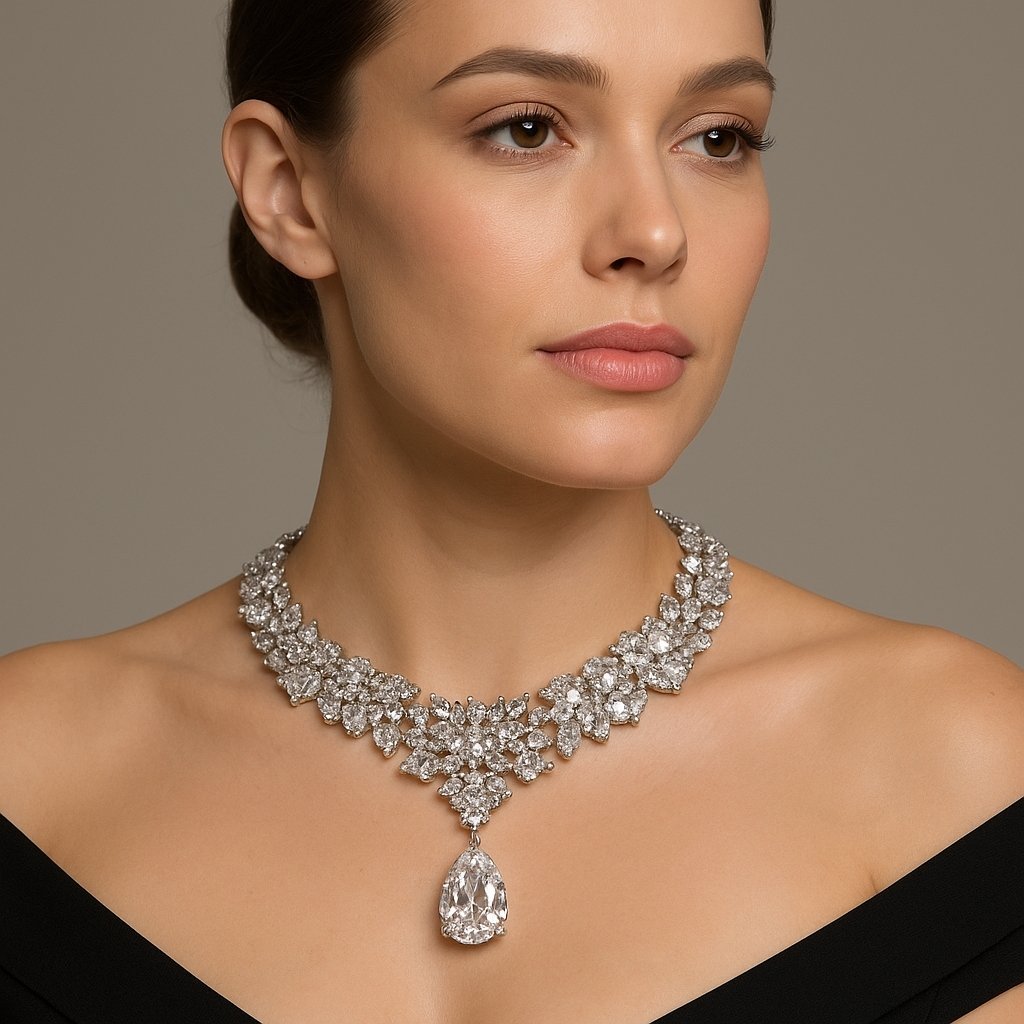
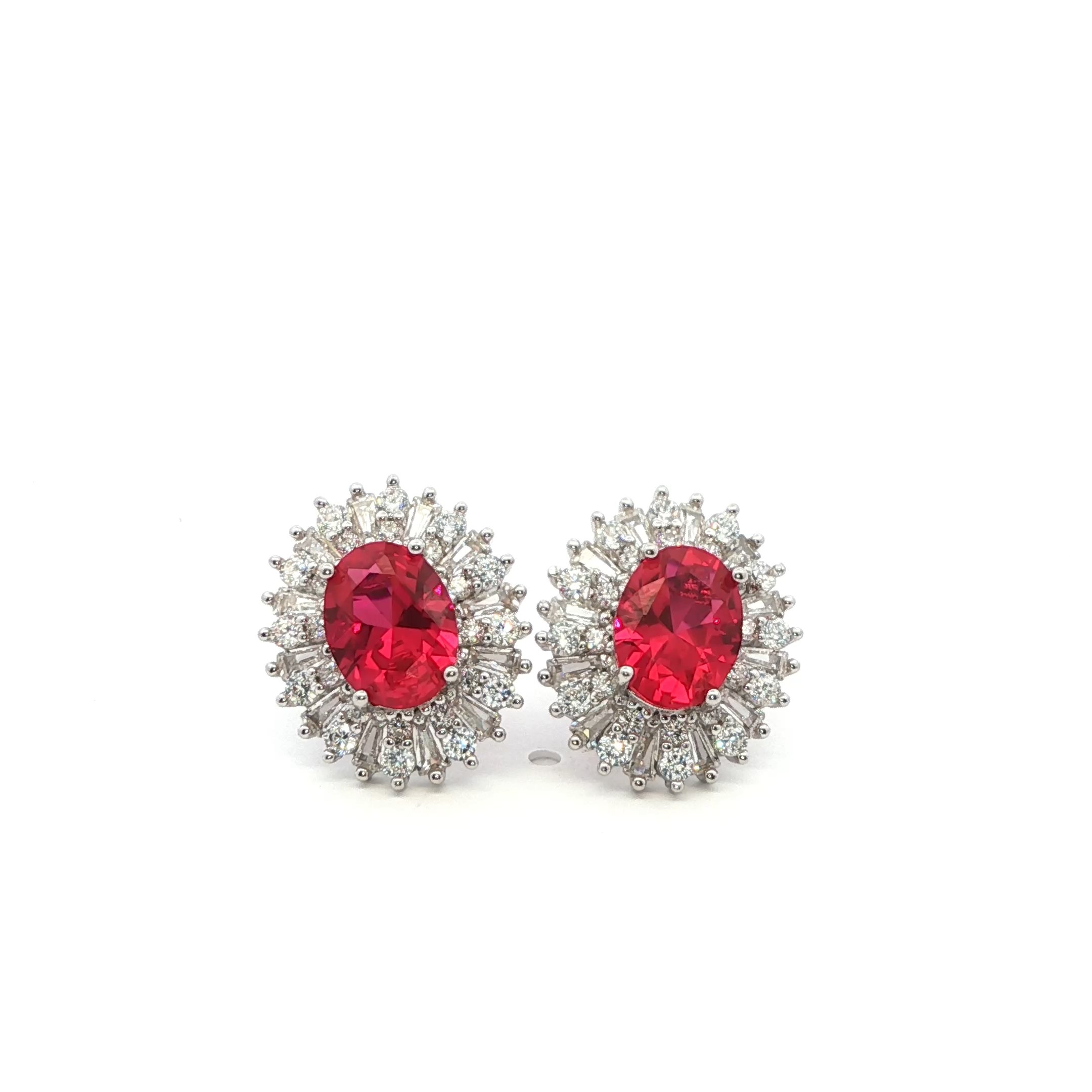
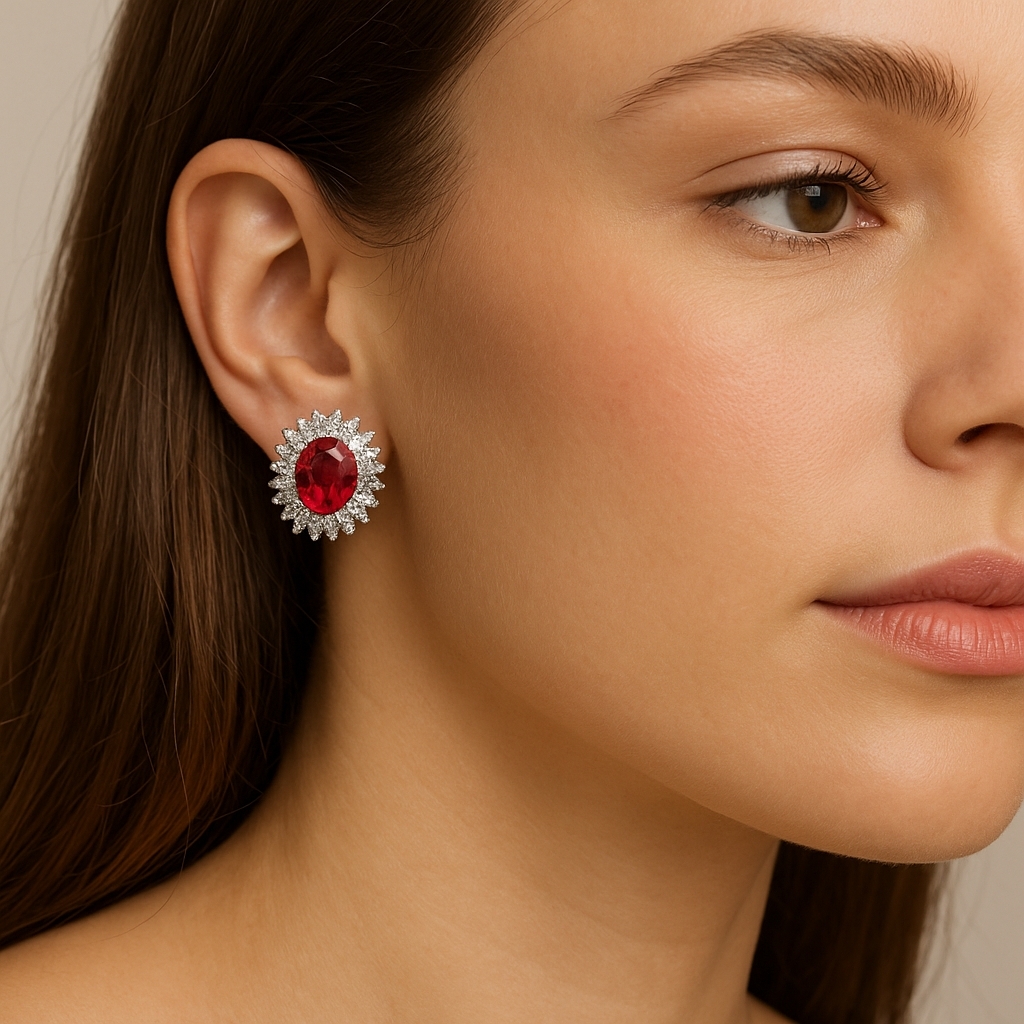
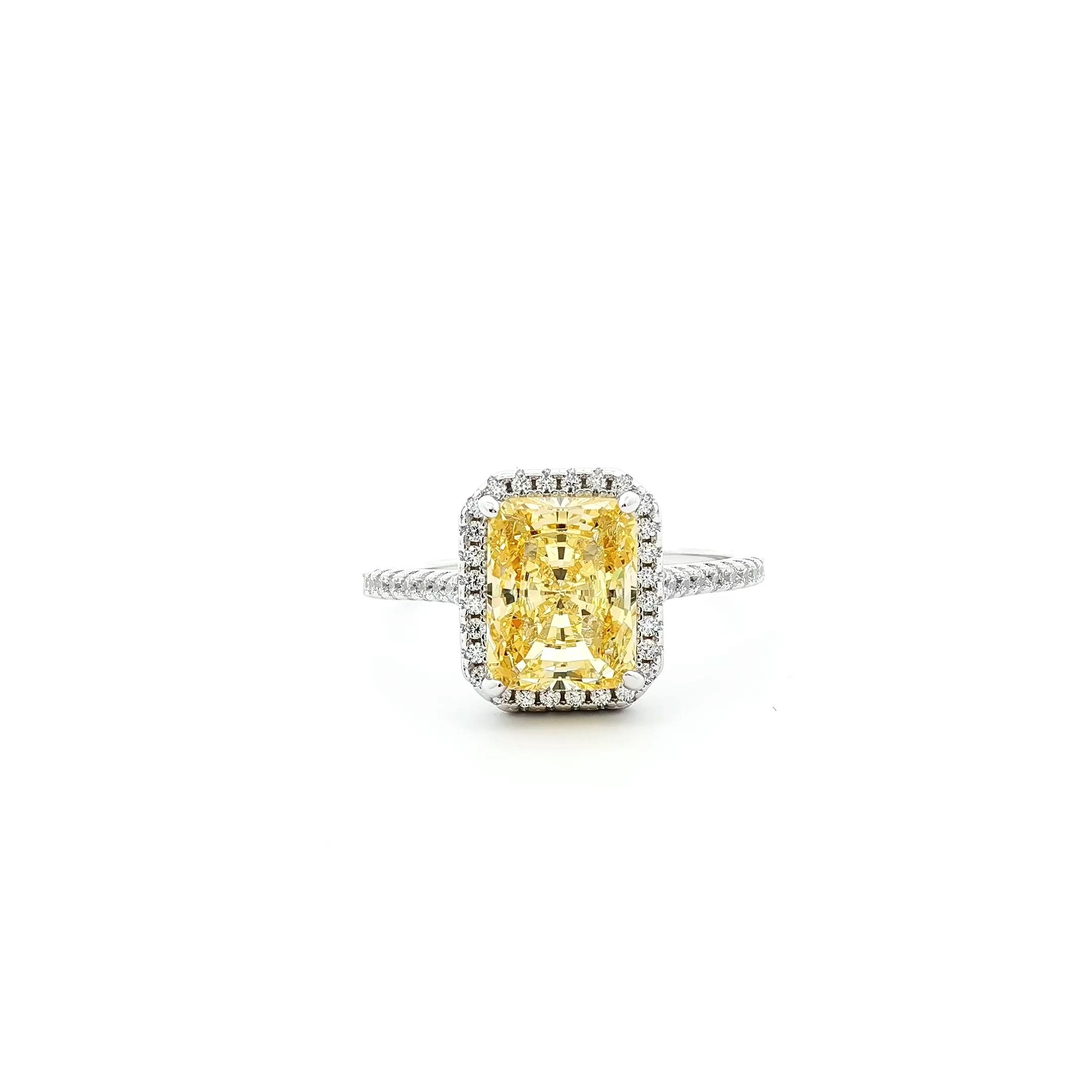
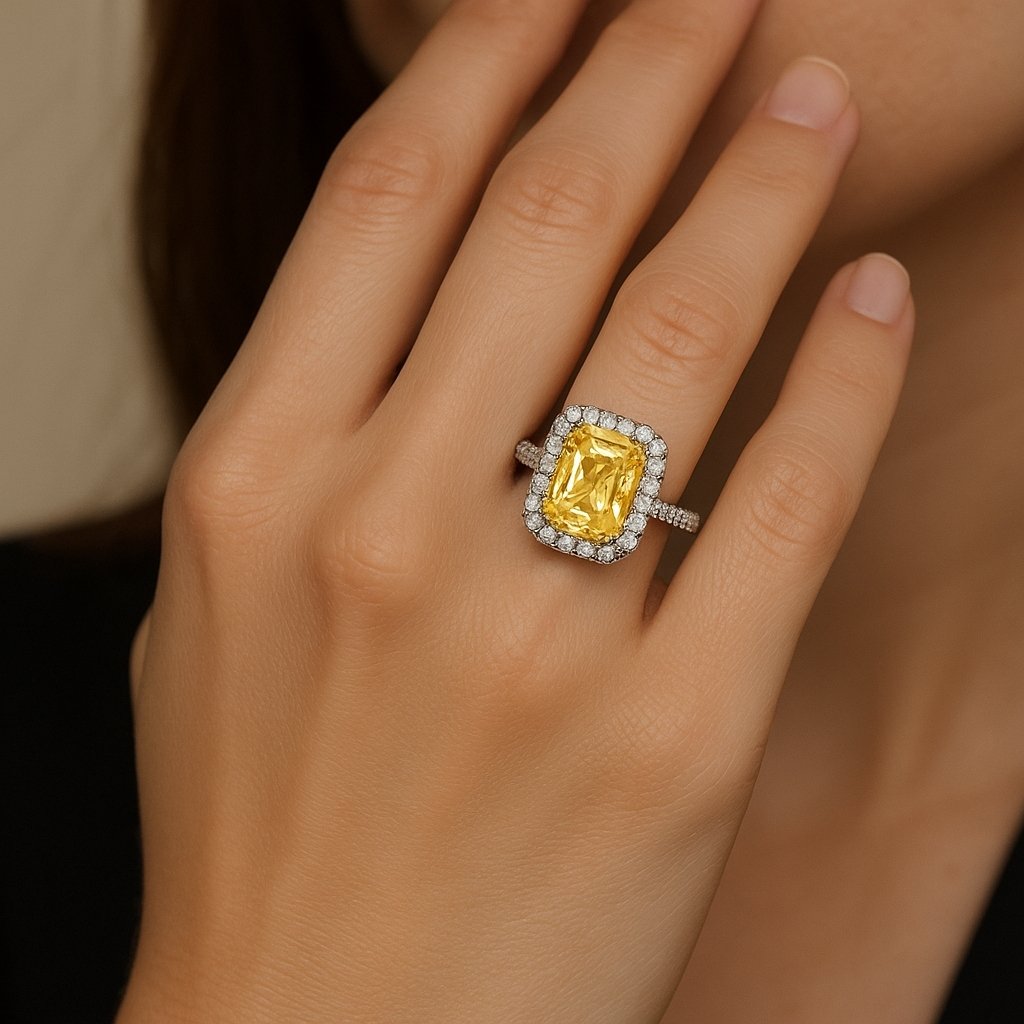
See how easy it is to create beautiful model images wearing your own jewelry in just one click powered by GemIQ.

Log in to try it now

Fully Customizable Skin Tone

With GemStudio’s One Click Skin Tone Feature, you can instantly switch between light, medium, and deep tones. No extra shoots. No hiring models. Just jewelry that every customer can see - and see themselves wearing.

Join the waitlist

Model Photos

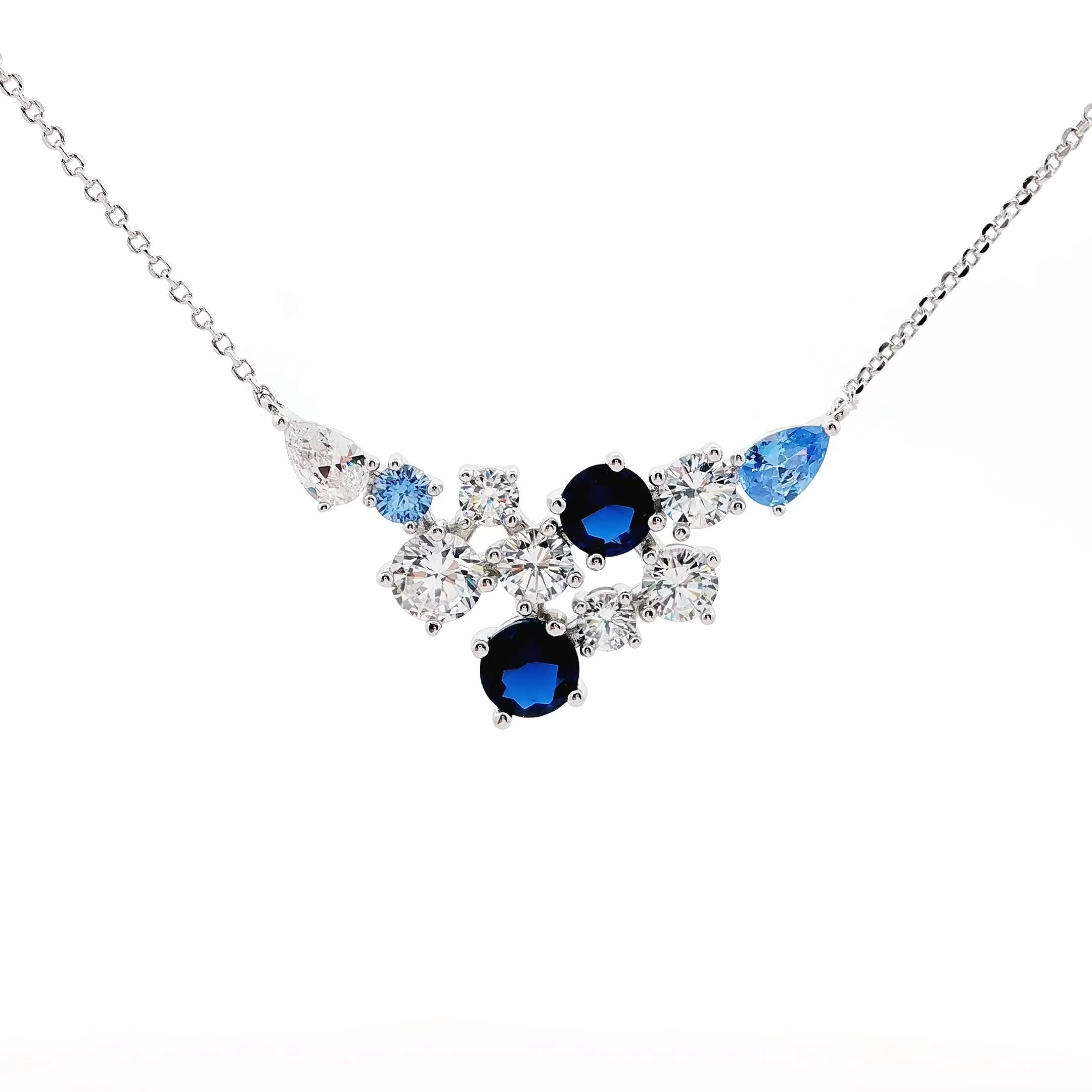
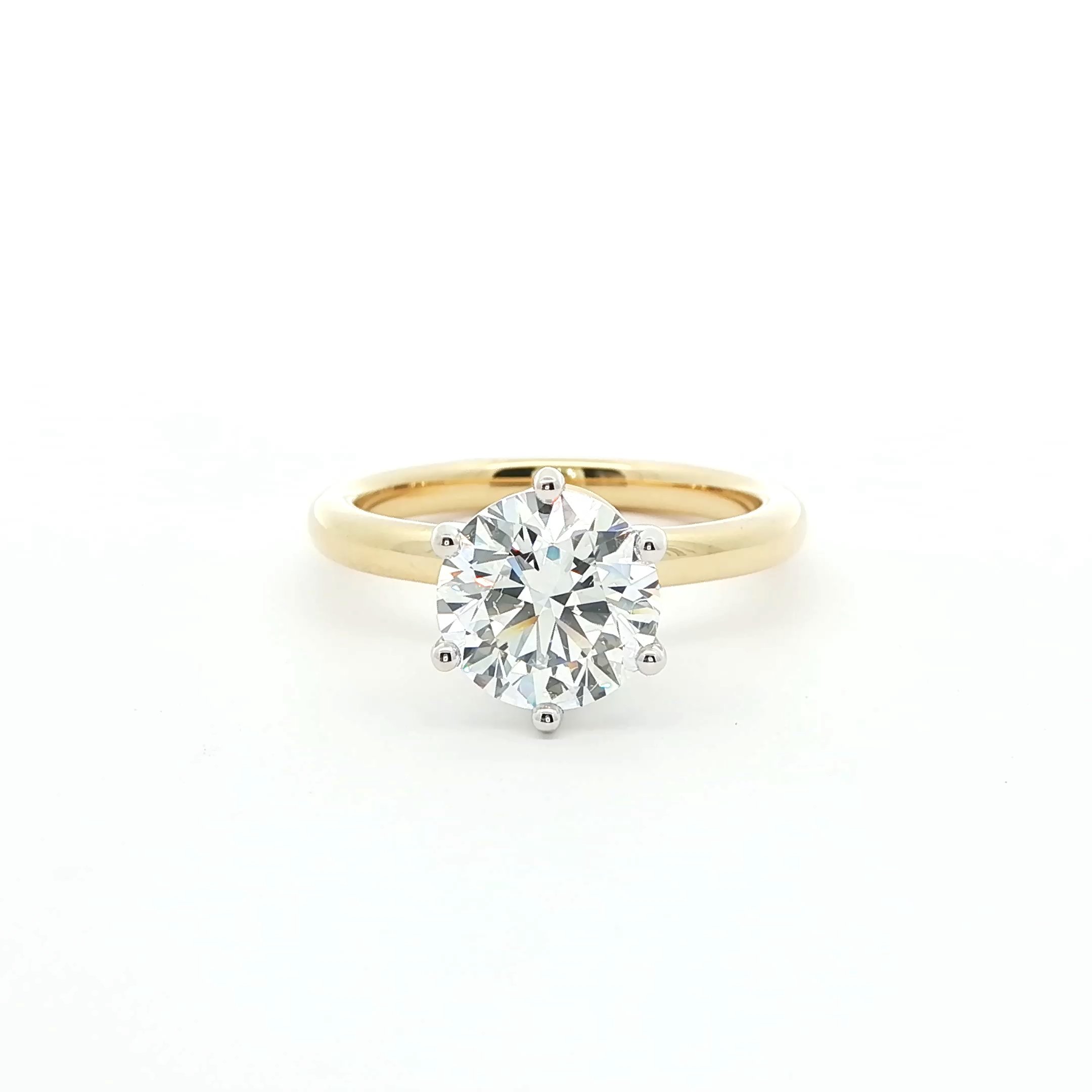
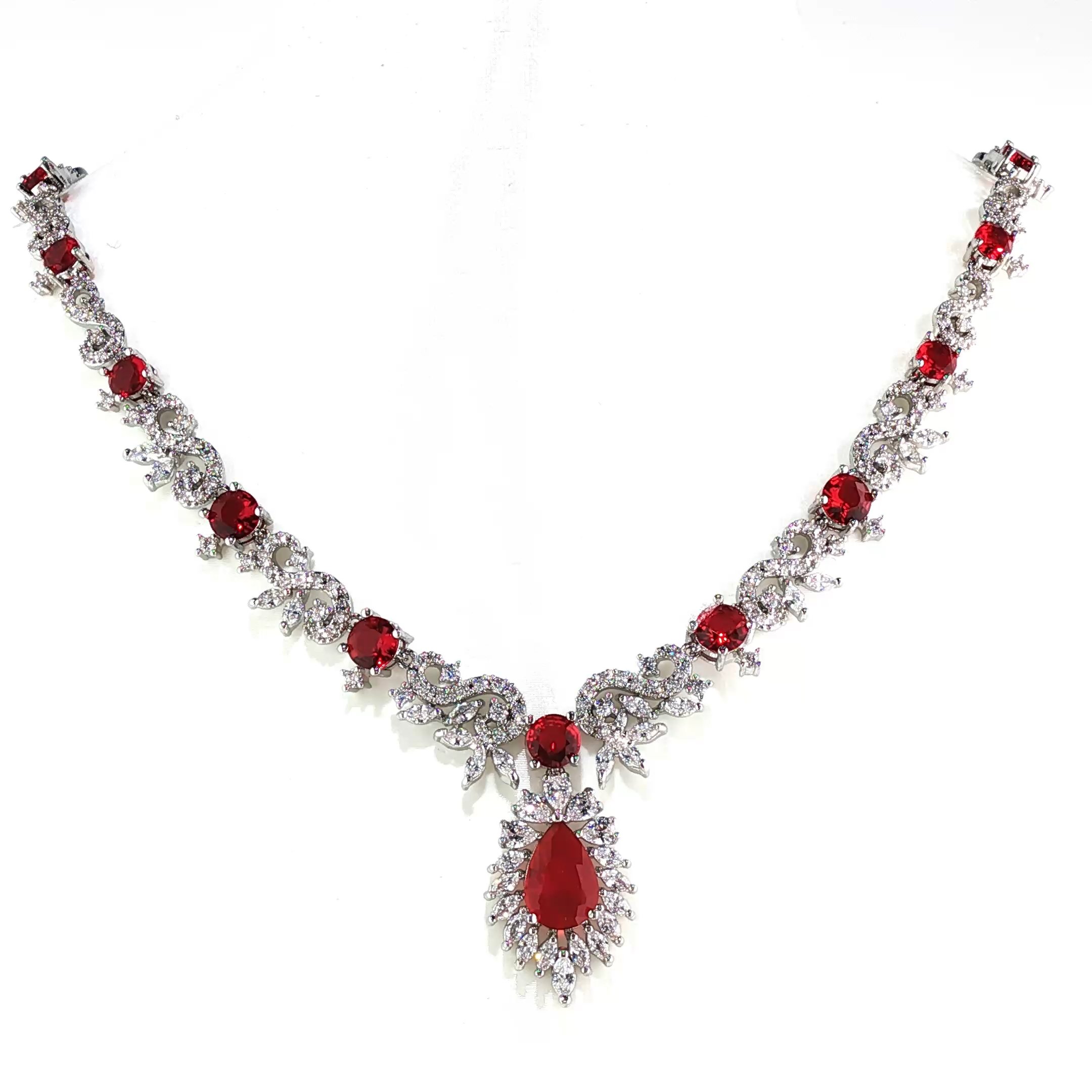
Jewelry Close-up 1
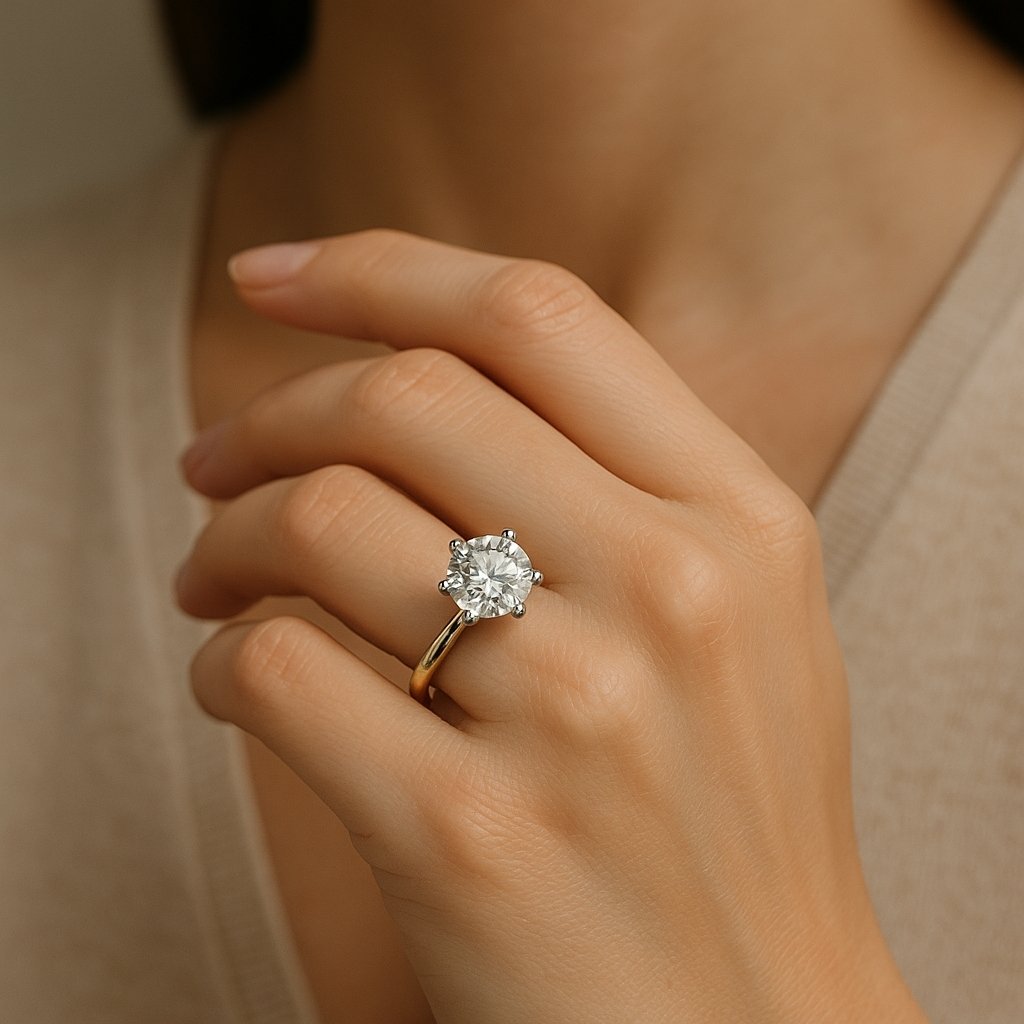
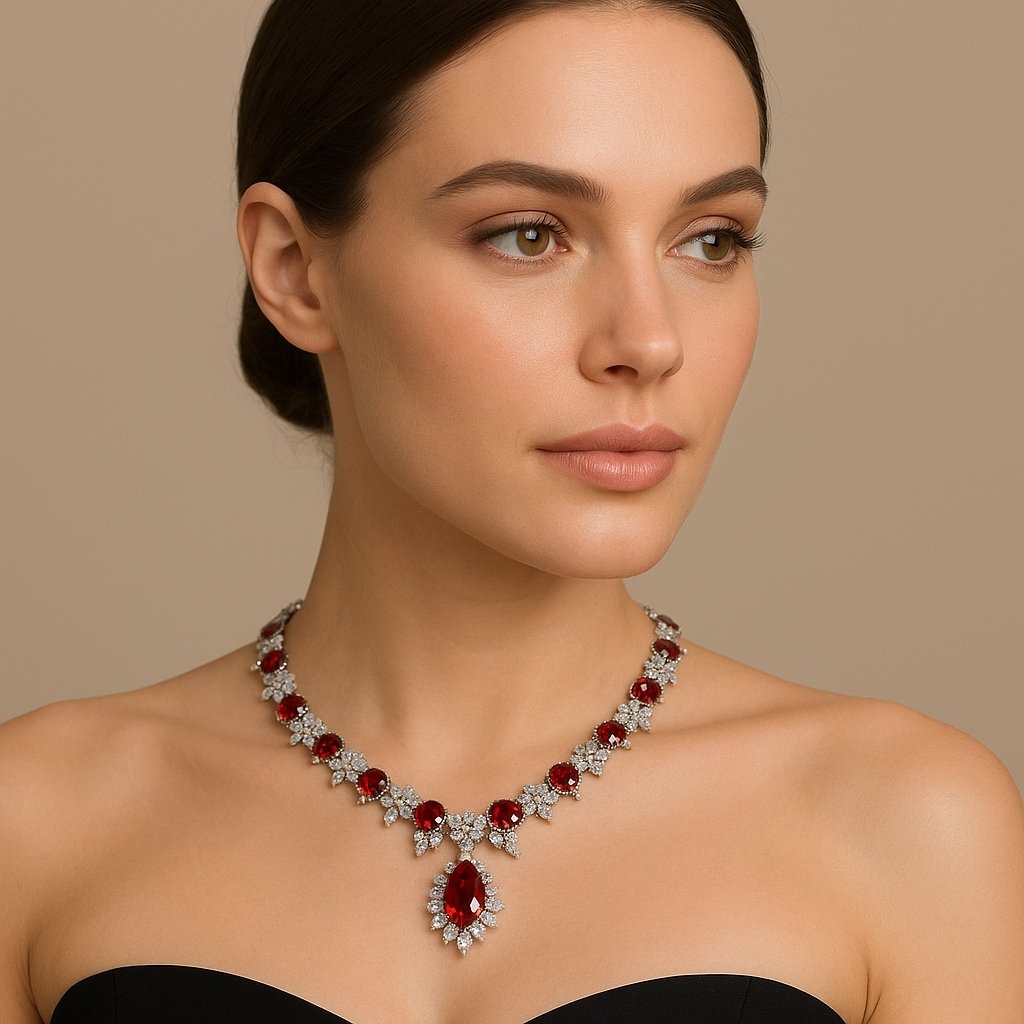
Model Shot 1
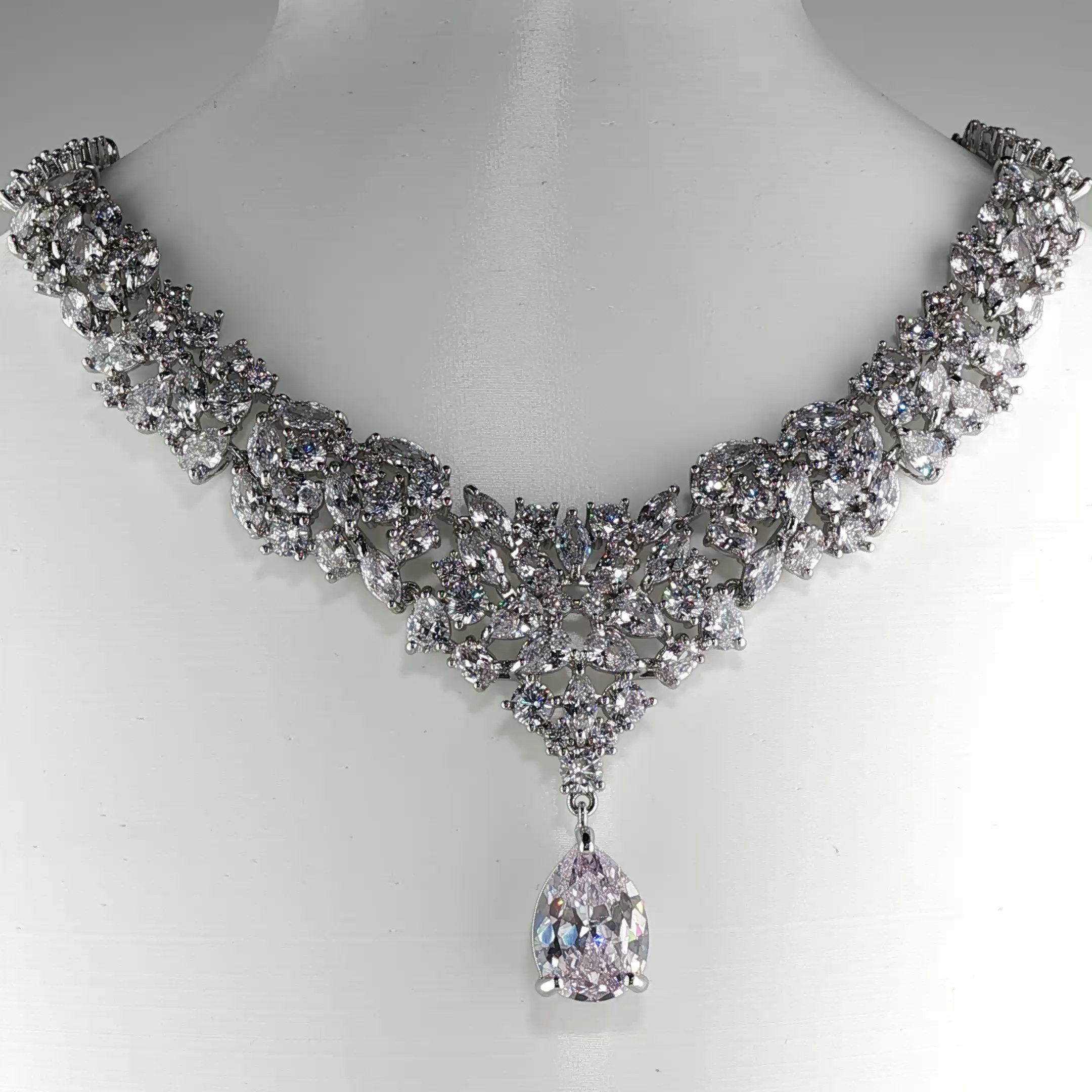
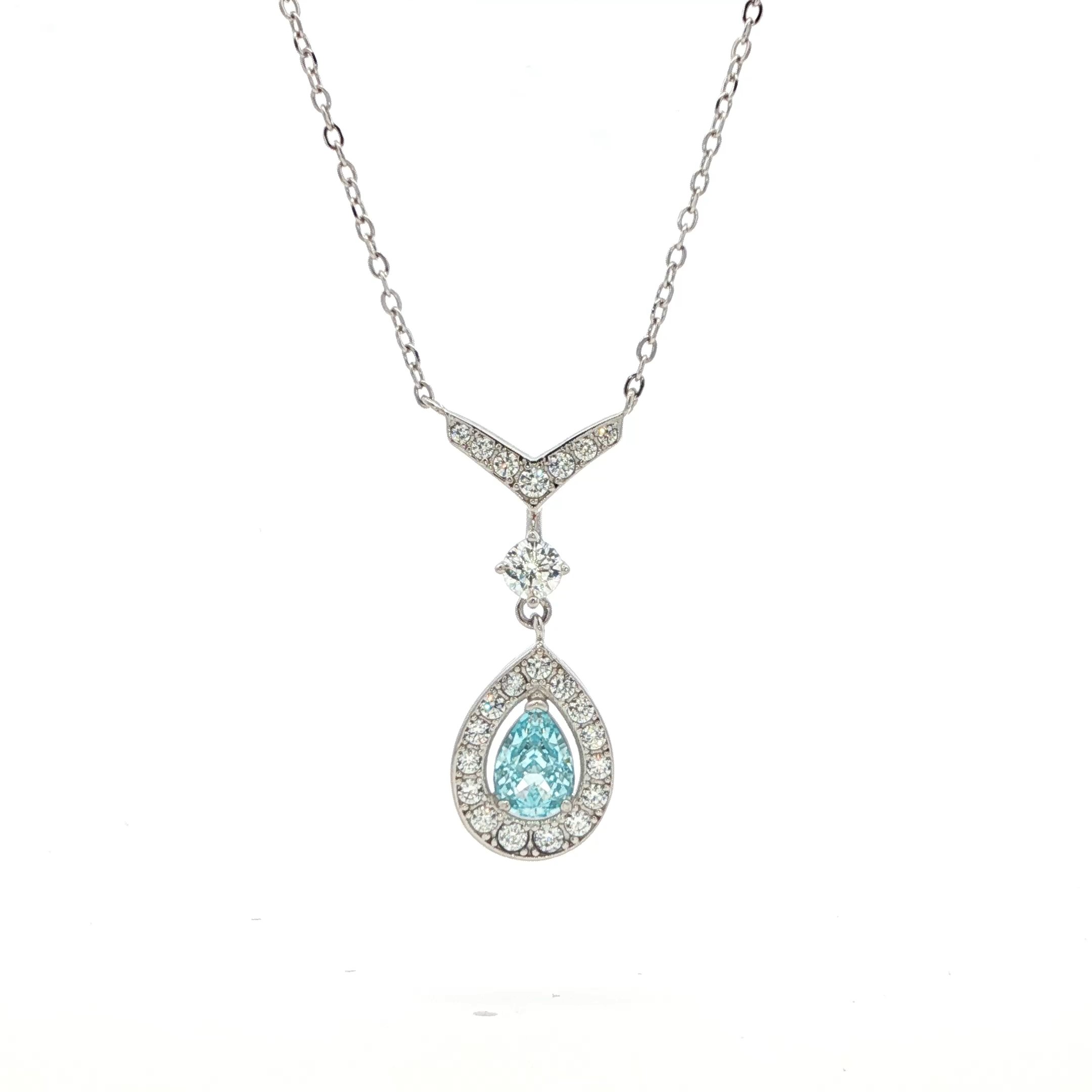
Jewelry Close-up 2
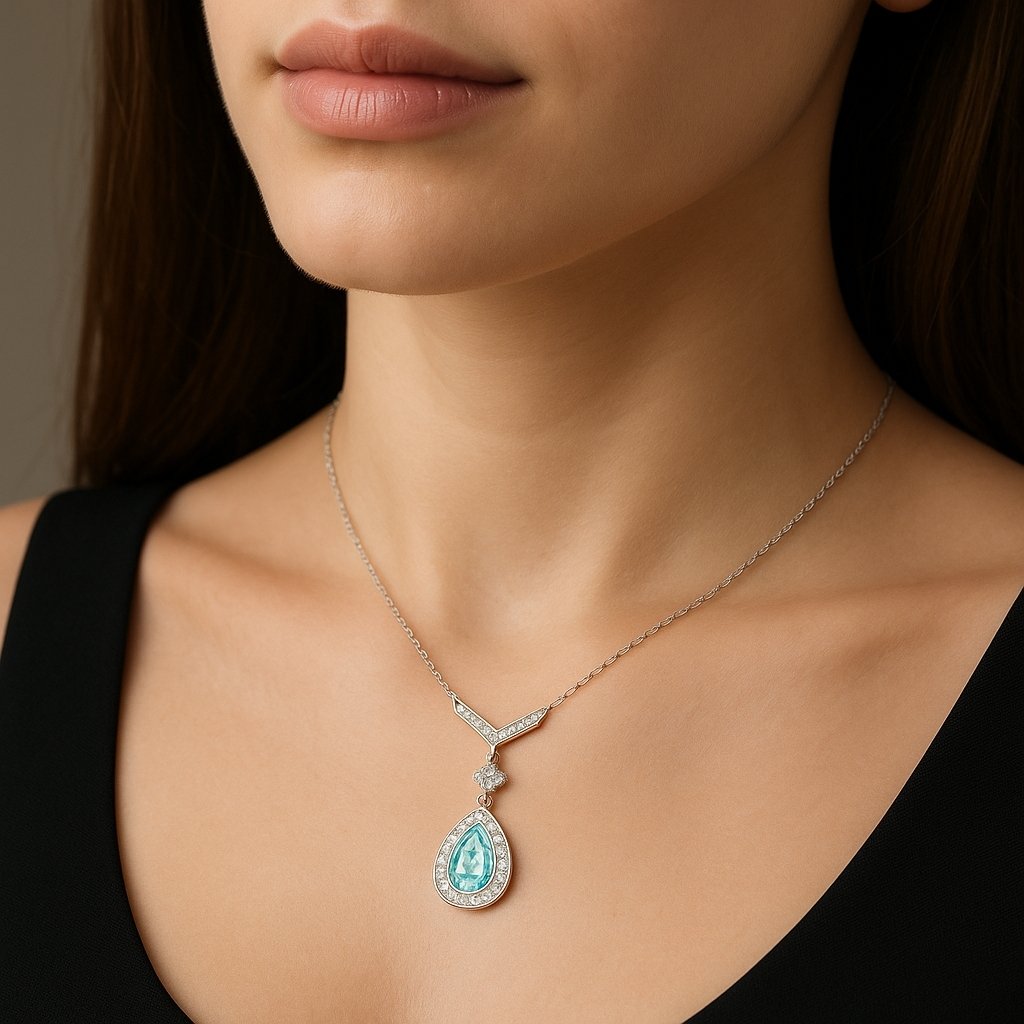
Model Shot 2
Jewelry Close-up 3
Model Shot 3
Jewelry Close-up 4
Model Shot 4
Jewelry Close-up 5
Model Shot 5
Jewelry Close-up 6
Model Shot 6
Jewelry Close-up 7
Model Shot 7

Lifestyle Shots

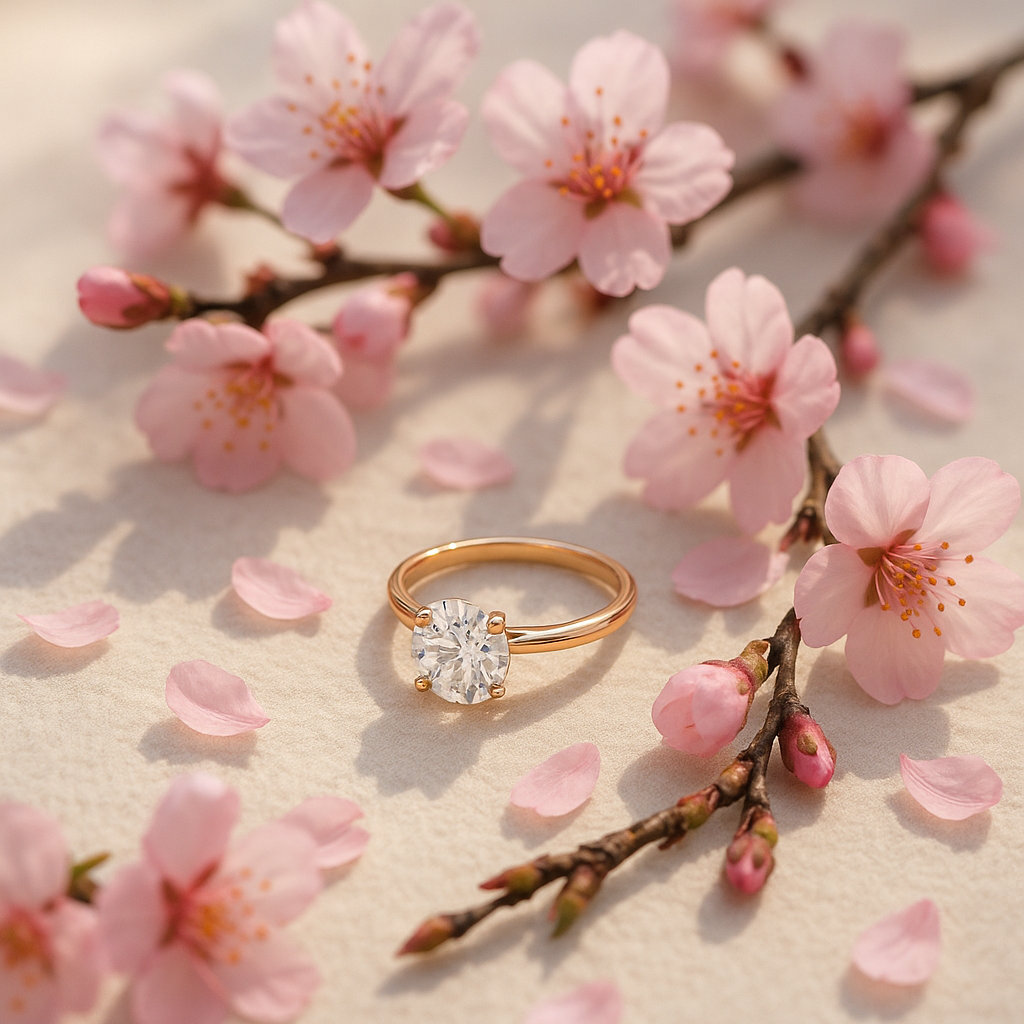
Cherry Blossoms - Rings
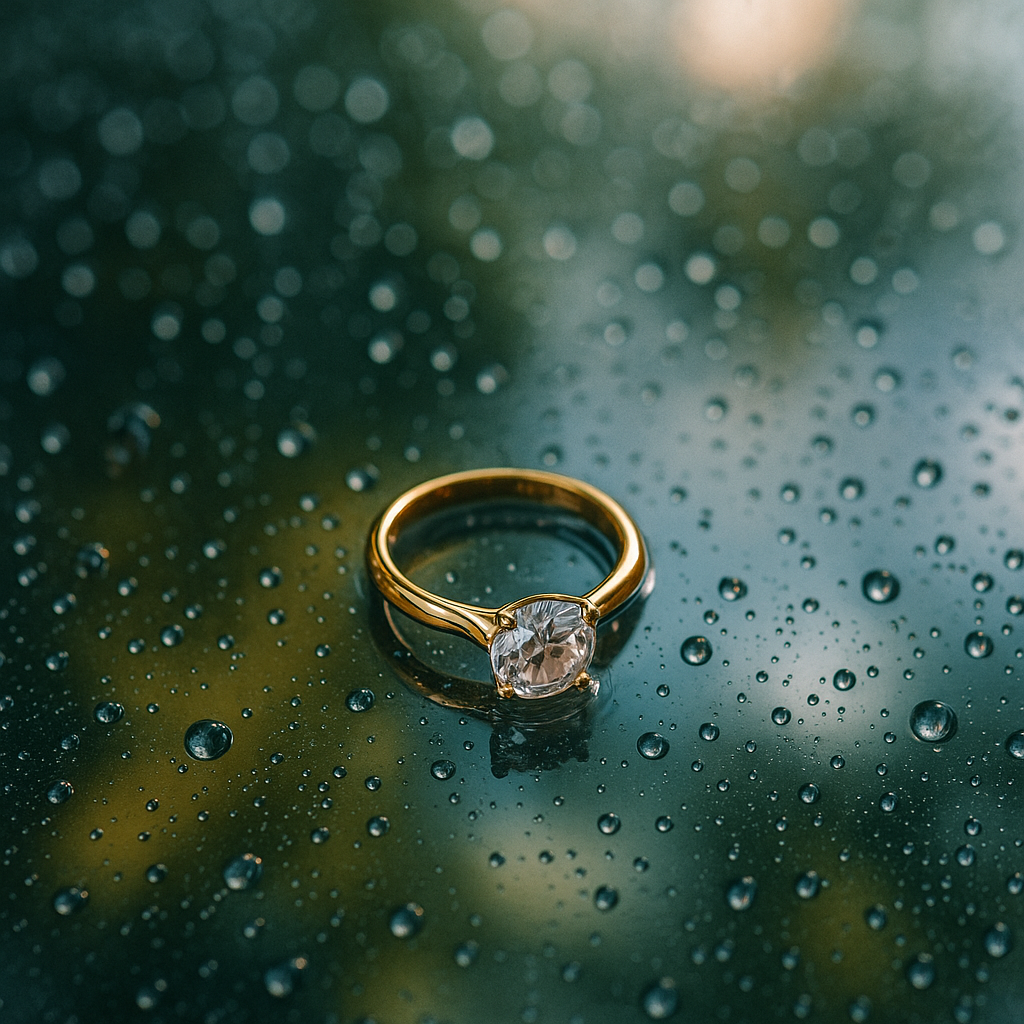
Rain-Soaked Glass - Rings
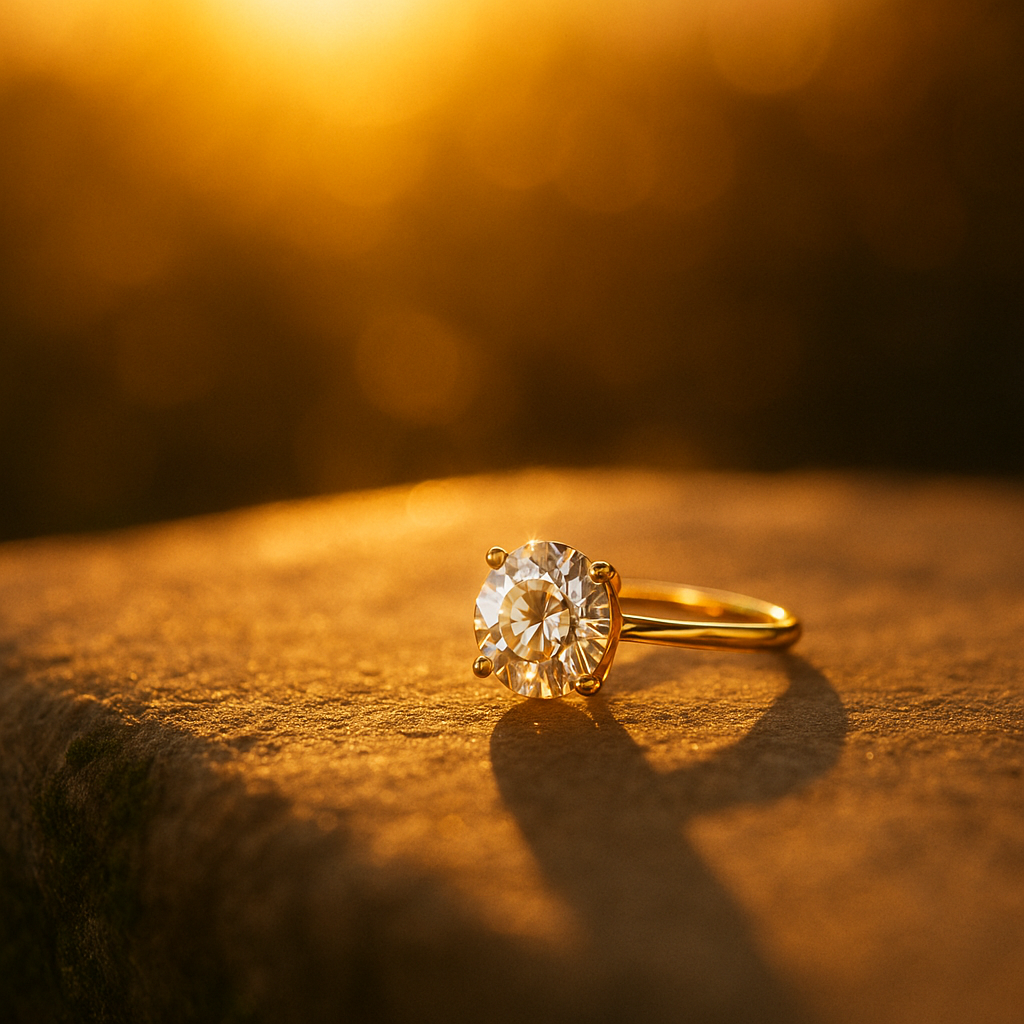
Golden Hour Glow - Rings
Roses Scattered or Close-up - Rings
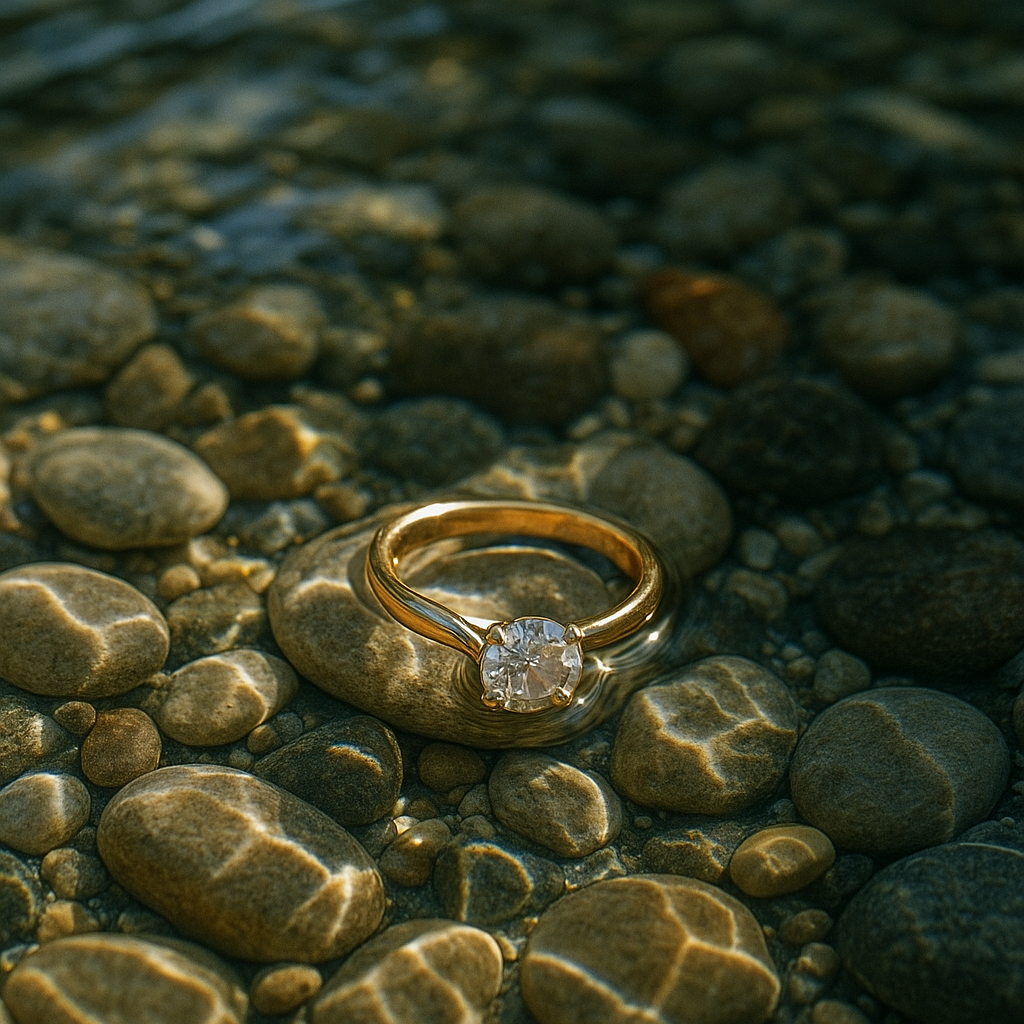
Shallow Clear Water - Rings
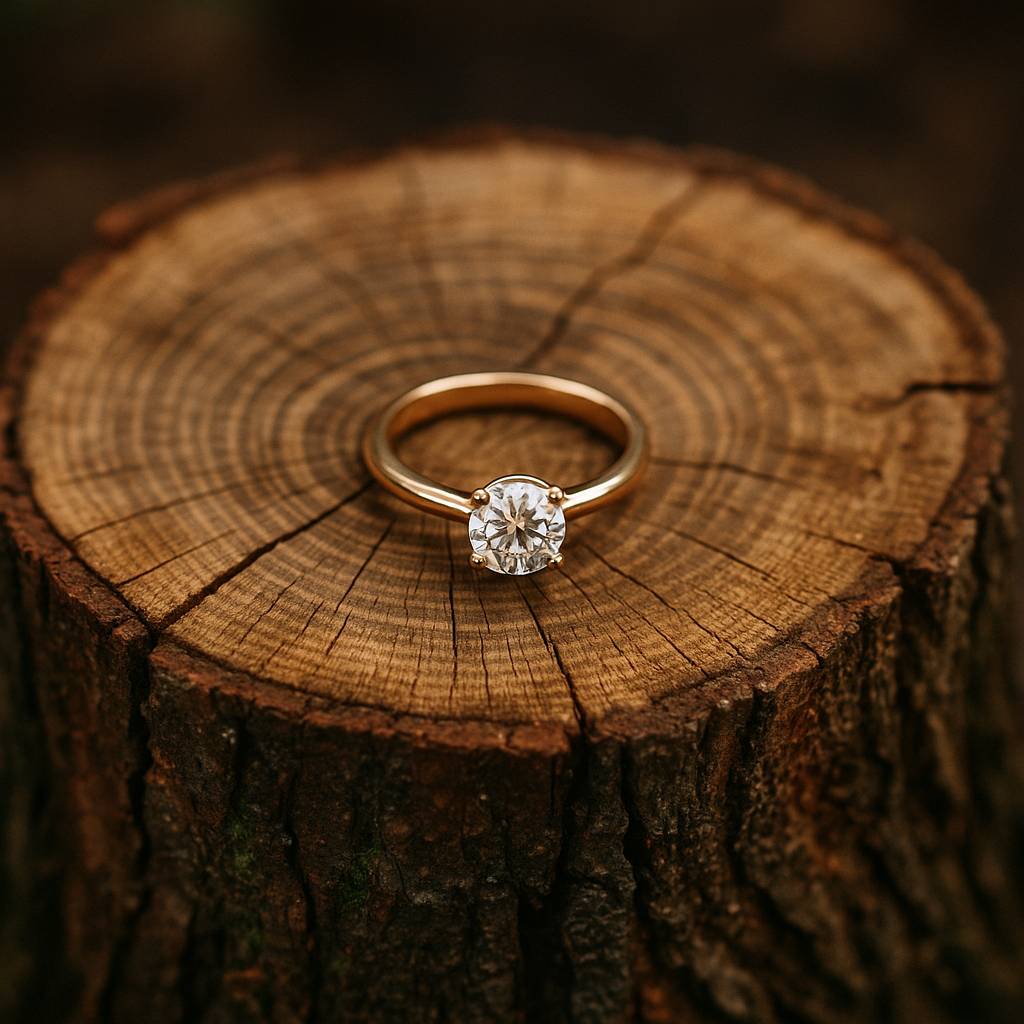
Rustic Tree Stump - Rings
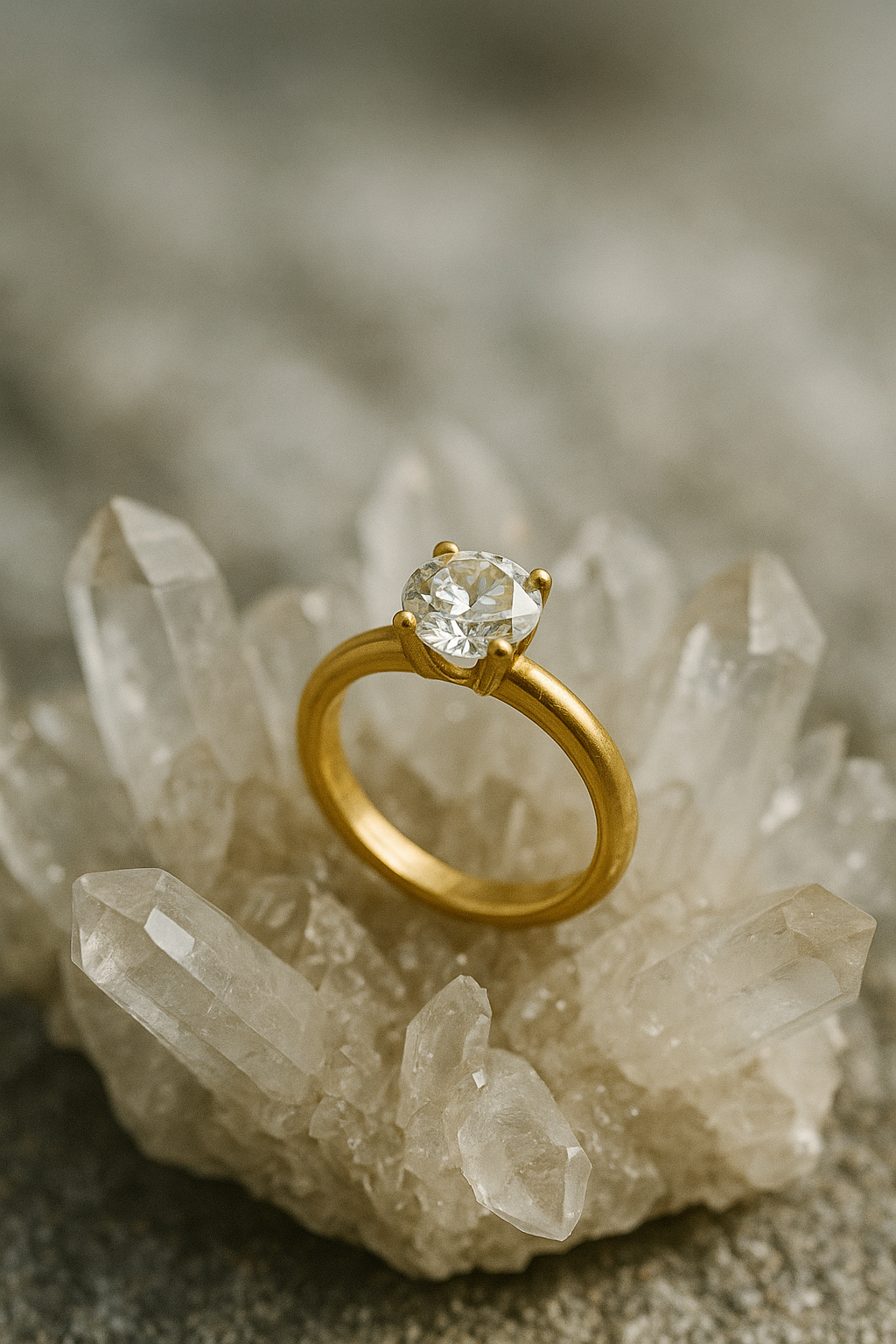
Quartz Crystal Formations - Rings
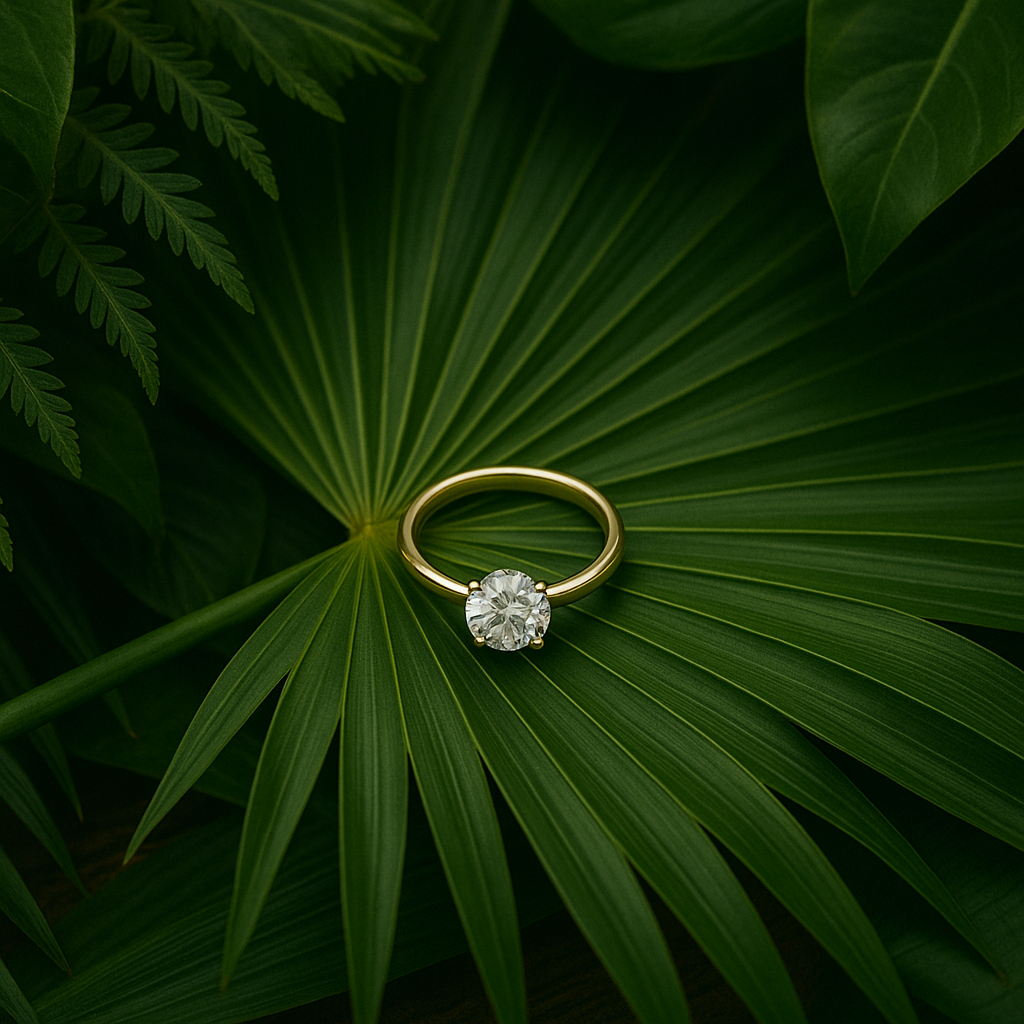
Tropical Foliage - Rings
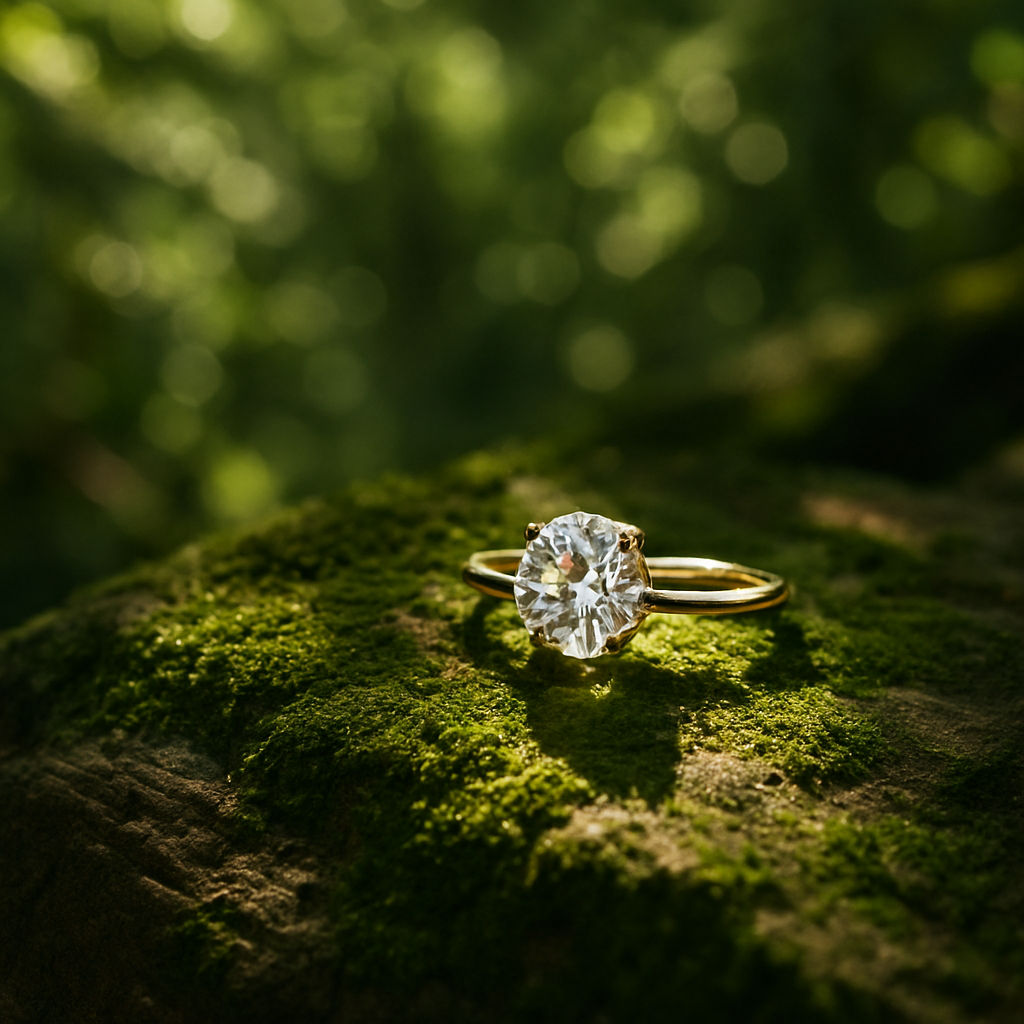
Sunlight Filtering Through Trees - Rings
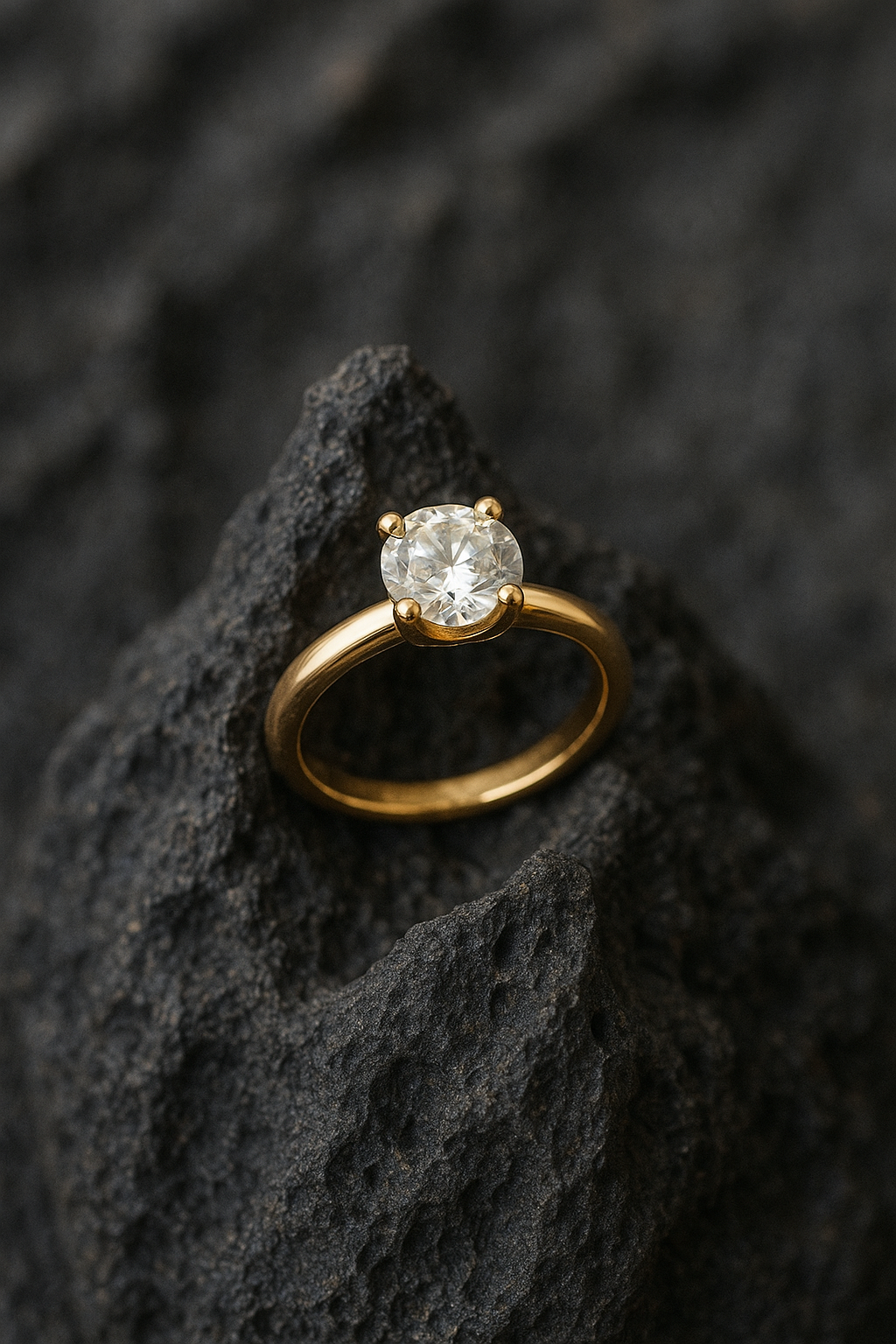
Volcanic Rock - Rings
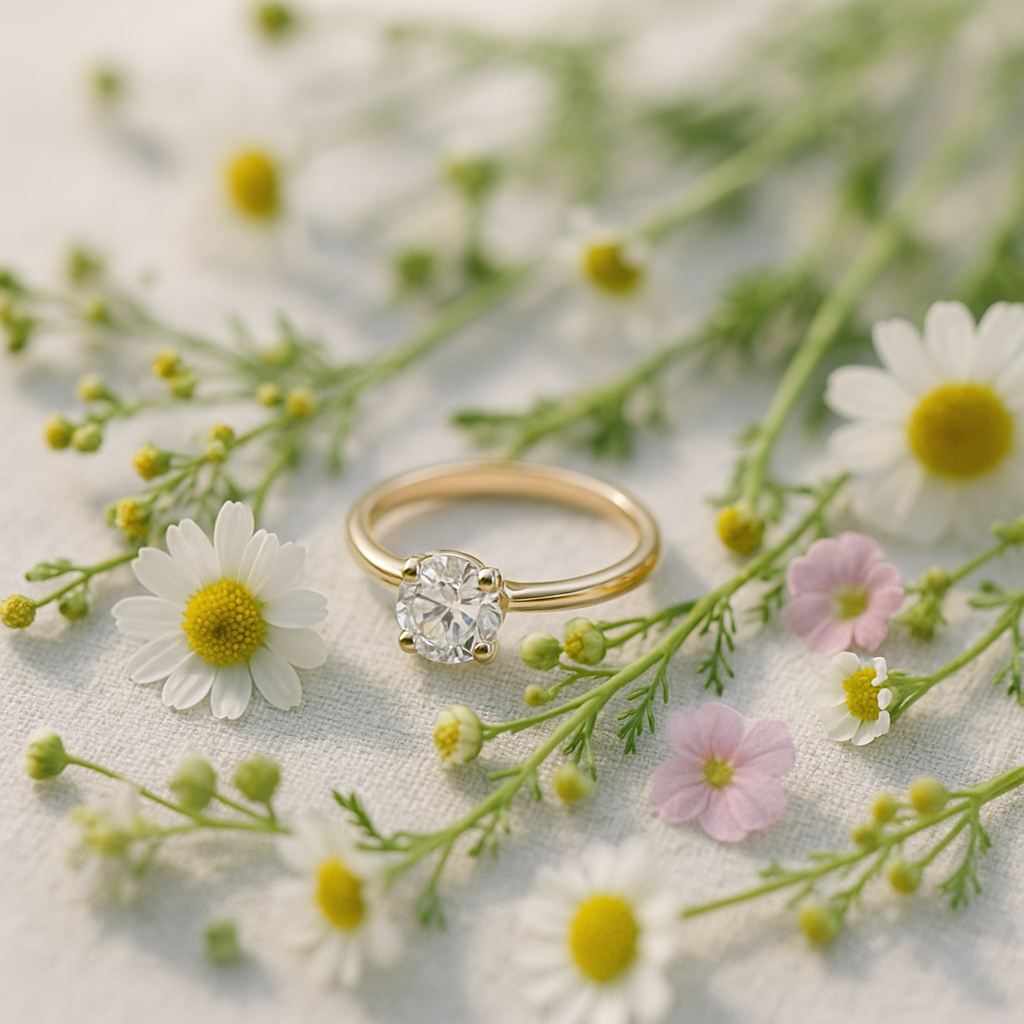
Wildflowers in Soft Focus - Rings